
Road Works – Wairakei Road (4th May – end July 2026 weather permitting)

27 April 2026

We have received notification that there will be road works outside our building on Wairakei Road starting on Monday 4th May 2026 and lasting to approximately the end of July, depending on weather which may impact you getting to our office. Please note the following:

- Wairakei Road will operate under a one-way system westbound for the duration of the project between Breens Road and Roydvale/Woolridge Road roundabout (ie. heading towards the airport) so you may need to change the way you approach our building. They will be working on the whole area at the same time, rather than sections.

- Hours of construction work are from 7am to 5pm so you need to be careful going in and out of the building during this time.

- We will still have client carparks for your use but have been advised by the Council that there will be a period when they need to excavate across driveways and entrances as part of the new watermain and submain installation. At this time access to our carpark may be temporarily restricted. In these instances we will work with you regarding appointment times to work in with this, or alternatively Directors can organise an alternate meeting venue more suitable if necessary.

- We will also remind clients of the roadworks when you ring for an appointment so you can allow a different route if necessary.

Please contact us with any specific queries you have, but otherwise, please ensure you take care entering and exiting our building.




by Kate Ward-Smith 25 March 2026
From 1 April this year we will be introducing a new electronic questionnaire to streamline the collection of your year-end information. Each client will receive a tailored online questionnaire, designed to capture the information and documents required to prepare your financial statements and income tax returns. Only once the completed questionnaire and supporting documents are provided will our team begin preparing your accounts. This new process aims to reduce follow-up emails, improve accuracy, and allow us to complete your work more efficiently during our busy periods. Please see our website here for a list of FAQs regarding this new system.
A laptop computer is open and sitting on a table
12 March 2026
If you are considering changing software, including payroll, please feel free to contact us to discuss so we can assist and guide you in this process. We currently recommend using Smartpayroll and Paysauce but happy to discuss this with you. Some key points to consider when changing any software: How savvy are you on the computer – some software can be quite complicated to use. What are you going to use the software for - do you do a budget?
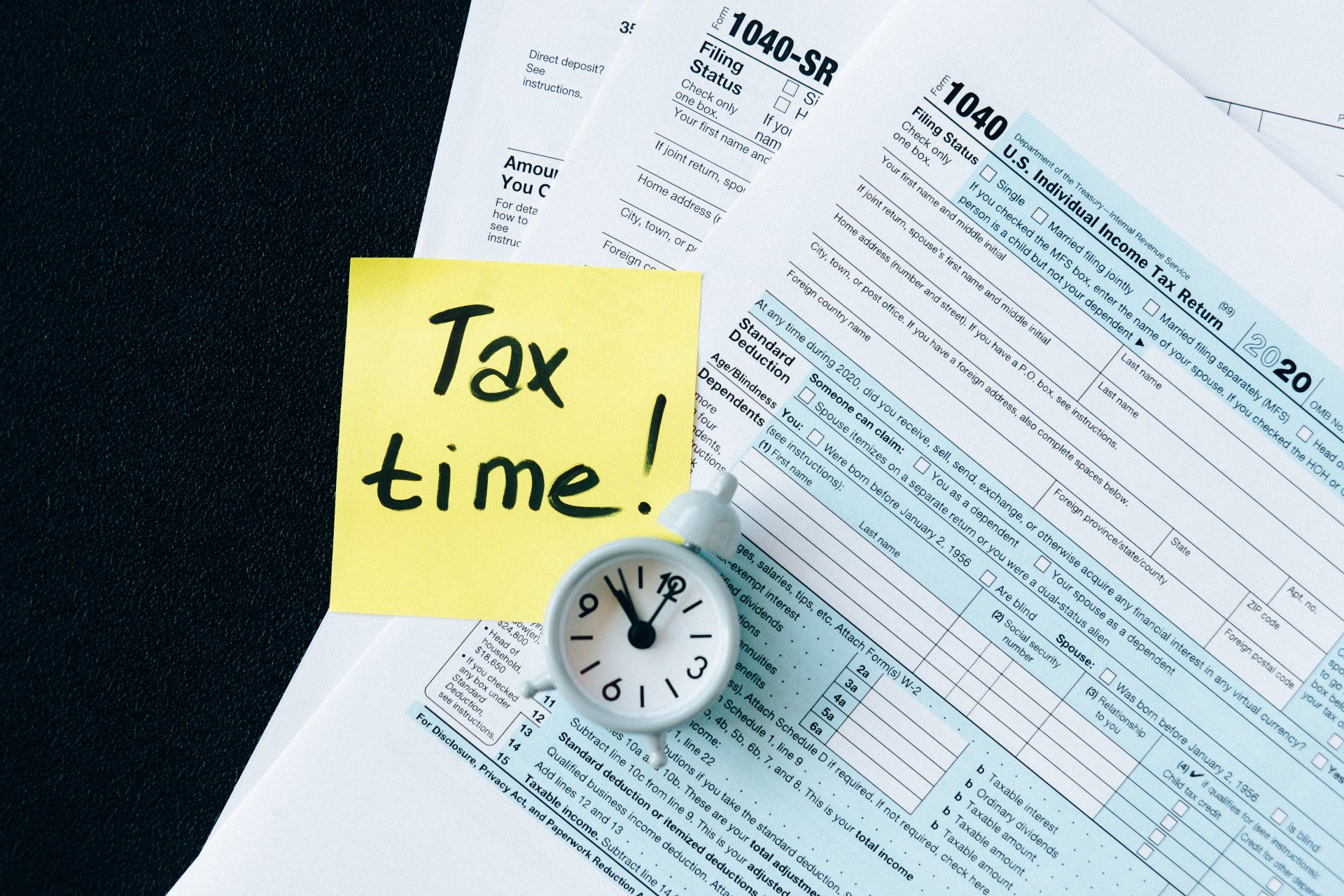
A clock sits on top of a tax form next to a sticky note that says tax time
by Kate Ward-Smith 12 March 2026
Upcoming Key Tax date's: 28th March 2026 2nd Instalment of Provisional Tax for JUNE balance dates. 31st March 2026 Overseas Student Loans – repayments due. 7th April 2026 2025 Terminal Tax due. Online payments should be made to IRD as follows: INC 31/3/2025 (regardless of your balance date). 7th May 2026 3rd Instalment Provisional Tax MARCH balance dates. Online payments should be made to IRD as follows: INC 31/3/2026 (regardless of your balance date). GST is also due on this day instead of 28th April for the February/March period). Online payments should be made to IRD as follows: INC 31/3/2024. Please try and avoid using the tax type GAP when paying both GST and provisional tax as IRD sometimes puts a hold on these payments. We will send reminder notices prior to this date but also remember to please check your JUNK mail folder as sometimes these can end up here. Remember also that when making a payment, the period is for 31st March (regardless of your balance date) and the year will depend on whether it is Terminal Tax (due 2025) or Provisional Tax due 2026). Please don’t hesitate to call or email if you want to make sure. If you are paying IRD via Westpac you can make a cash or EFTPOS payment at any Westpac branch or Westpac Smart ATM. You will need your Tax Return or statement barcode, or you can create your own online at IRD on the link below: https://www.ird.govt.nz/managing-my-tax/make-a-payment/ways-of-paying/paying-at-westpac Please note you will need to scroll to the bottom of the page then select “create a barcode”.